Logging In:
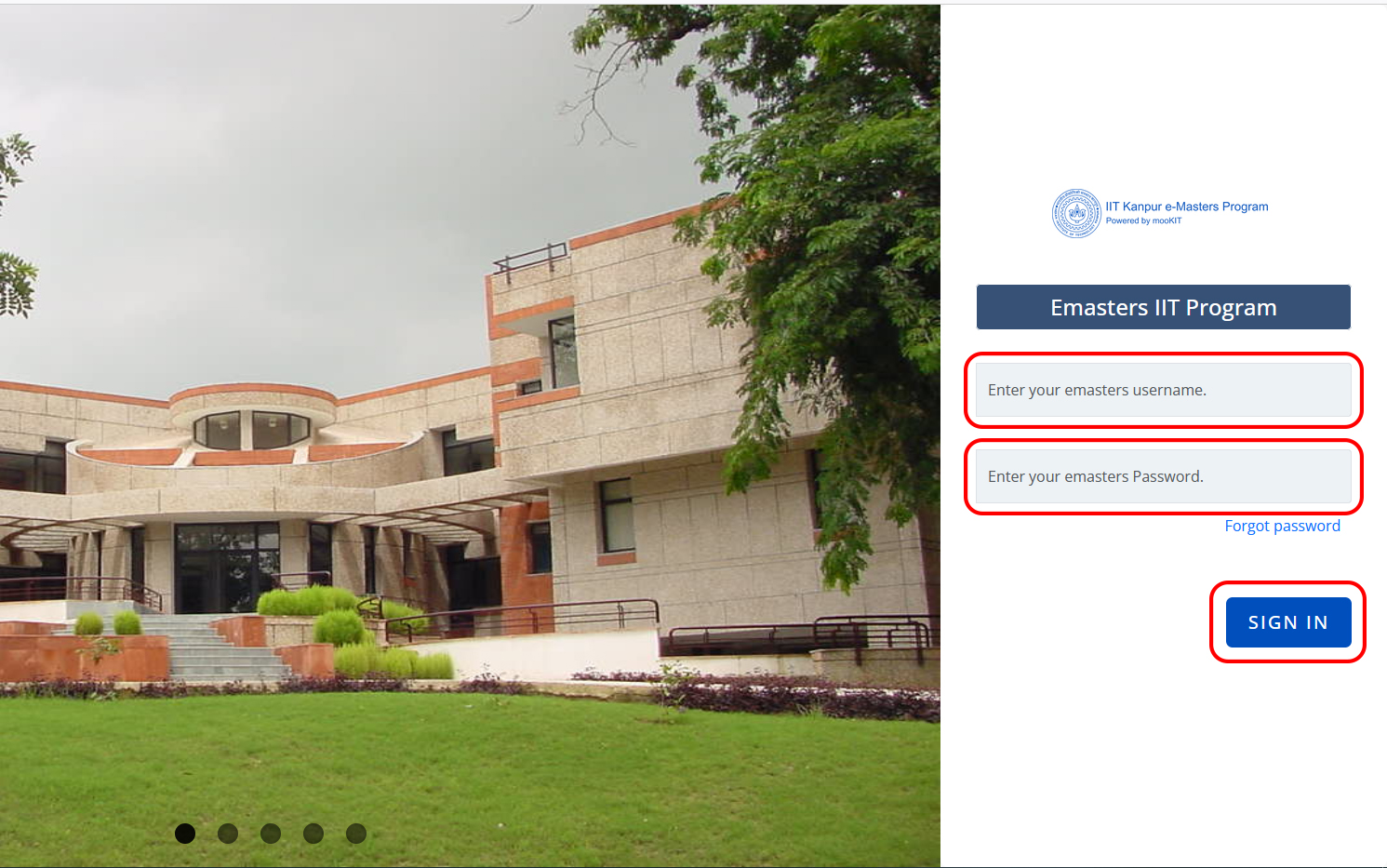
- Visit the Online Programs Website (https://learn.online.iitk.ac.in/) portal homepage.
Enter your registered Username and password and Click "Sign In" to access your account.
Resetting password:
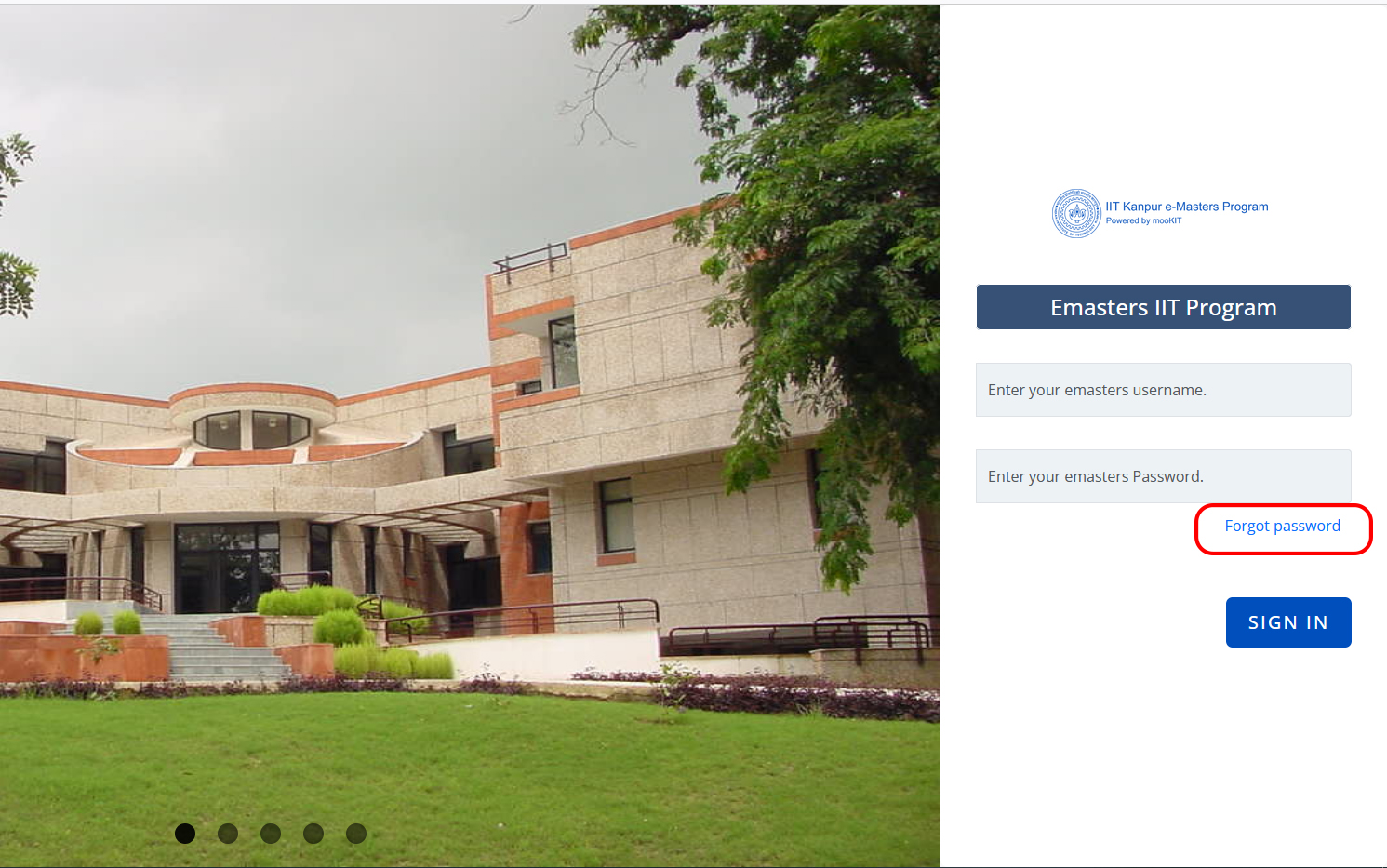
Click on "Forgot Password?" on the login page.
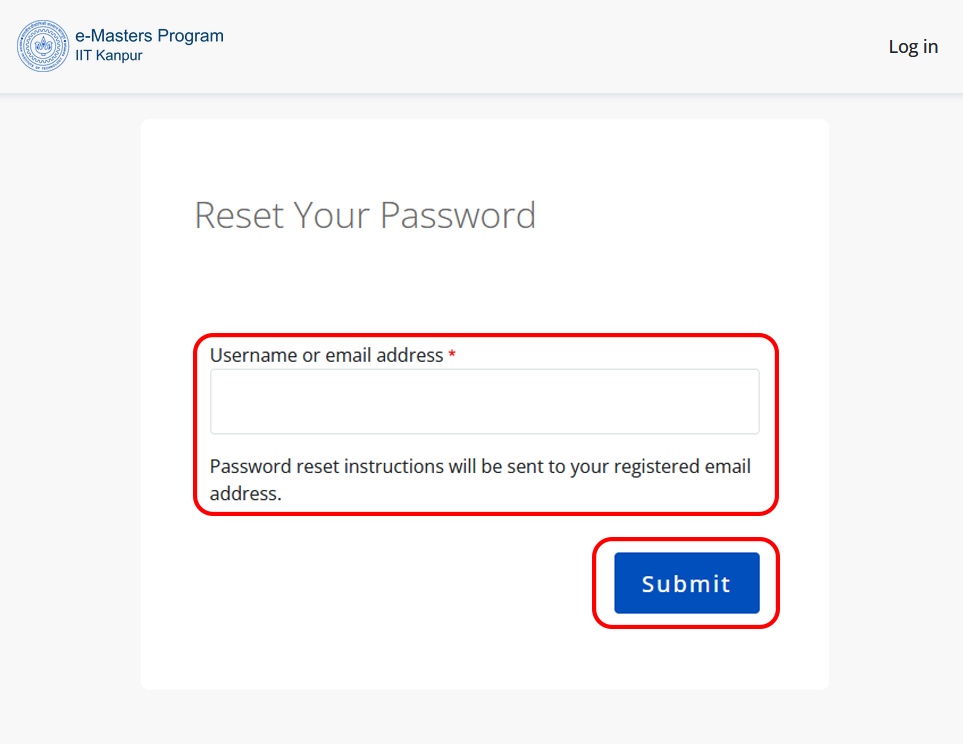
- Enter your registered email address and follow the instructions to reset your password.